I was building my portfolio website, and when I reached the contact section, I got stuck. I wasn’t sure how my contact page should look or work.
One thing I was clear about was privacy. I didn’t feel comfortable putting my email address openly on the internet because of the risk of spam or potential misuse. At the same time, I didn’t want to write something vague or create a very typical HTML/CSS contact form.
My portfolio is built using Vite + React + TypeScript, and I wanted to keep things simple. Ideally, I wanted a solution that required minimum effort and didn’t force me to build or maintain a backend just to handle emails.
So I started looking at how other developers handle contact forms. Some use Google Forms, some build their own custom backend, and some even use chatbot-style widgets. I also came across services like Netlify Forms, Formspree, and EmailJS. At this point, I wasn’t sure which one made the most sense for me.
To make the decision easier, I stepped back and thought about my requirements (a very Software Engineering 101 approach).
My requirements were simple:
It must be free to use
It must send messages directly to my email inbox
After searching online and experimenting a bit (including asking GPT), I came across Web3Forms. It matched exactly what I was looking for.
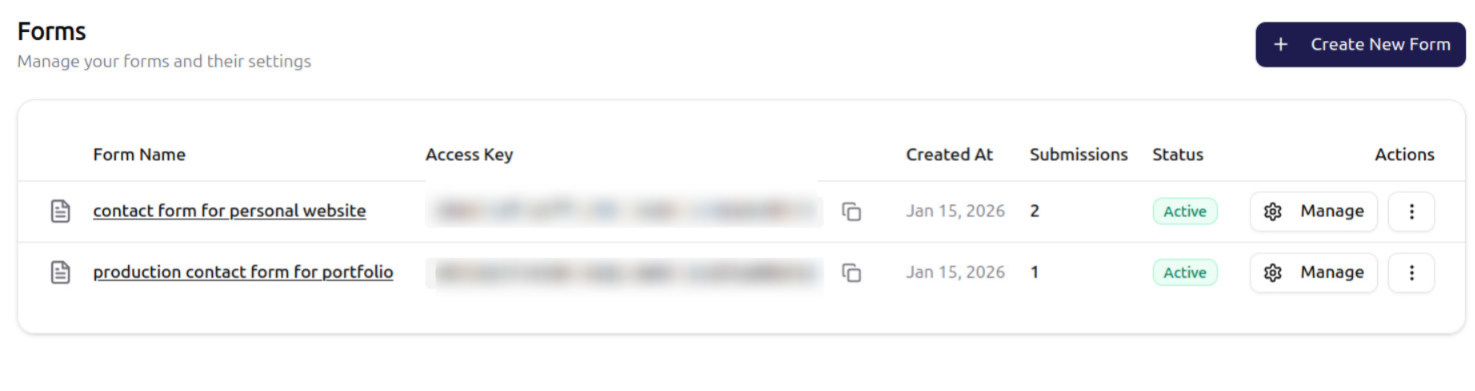
Web3Forms provides a free tier and works well with a frontend-only setup. It gives you an API key that gets triggered when someone submits the contact form. Within a few seconds, the message lands directly in your inbox — without exposing your email address or writing backend code.
I ended up using Web3Forms in my portfolio website because it saved time and removed the need to manage email logic on the backend. Compared to alternatives like Formspree or Netlify Forms, this felt like the simplest solution for my use case.